01
DAW-Style Timeline
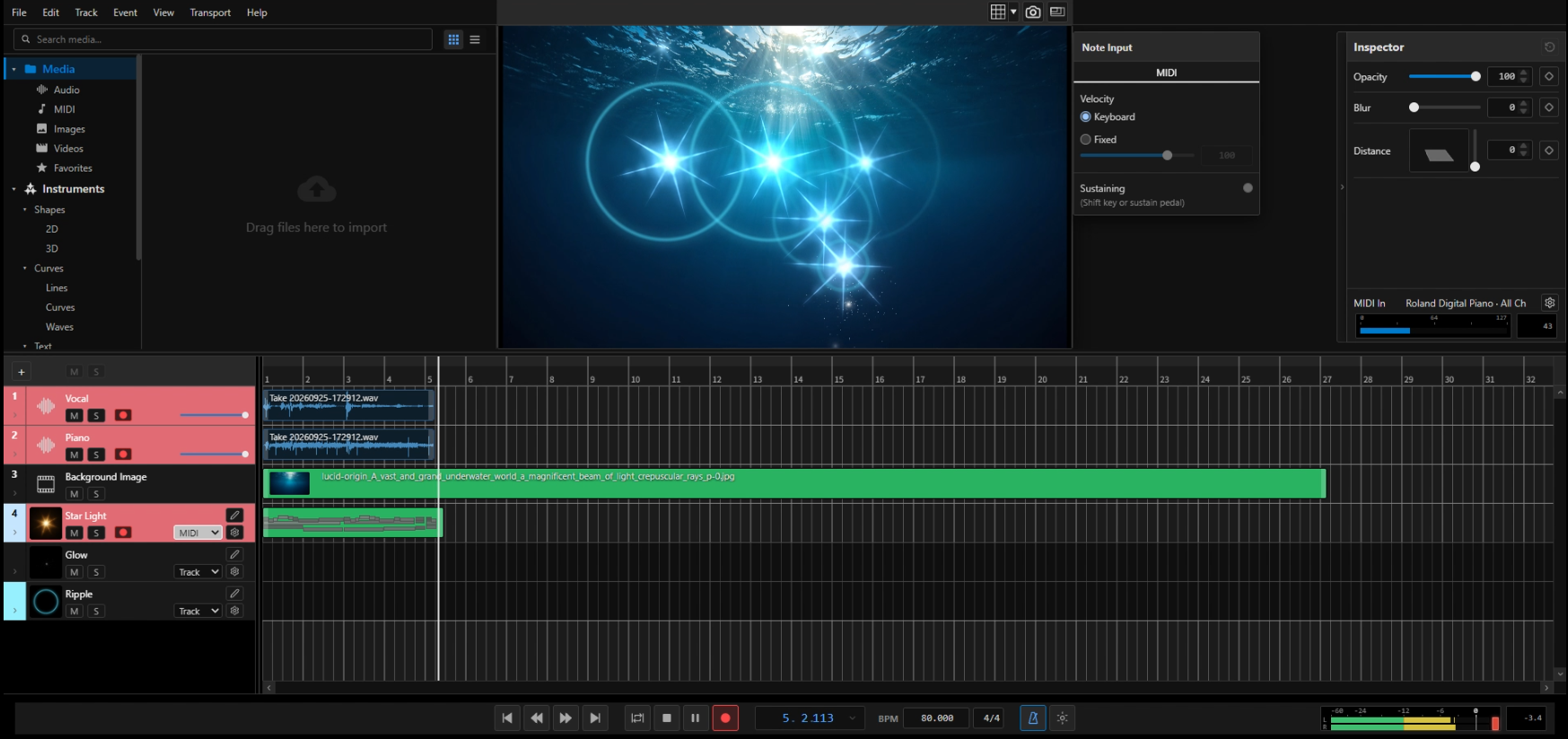
Tracks are laid out on a timeline in the style of a DAW or video editor. Audio and visual data are arranged directly on the timeline.

NEO Visualizer is a tool for generating graphics synchronized with musical data. Visuals are controlled by pitch, sustain, and velocity.
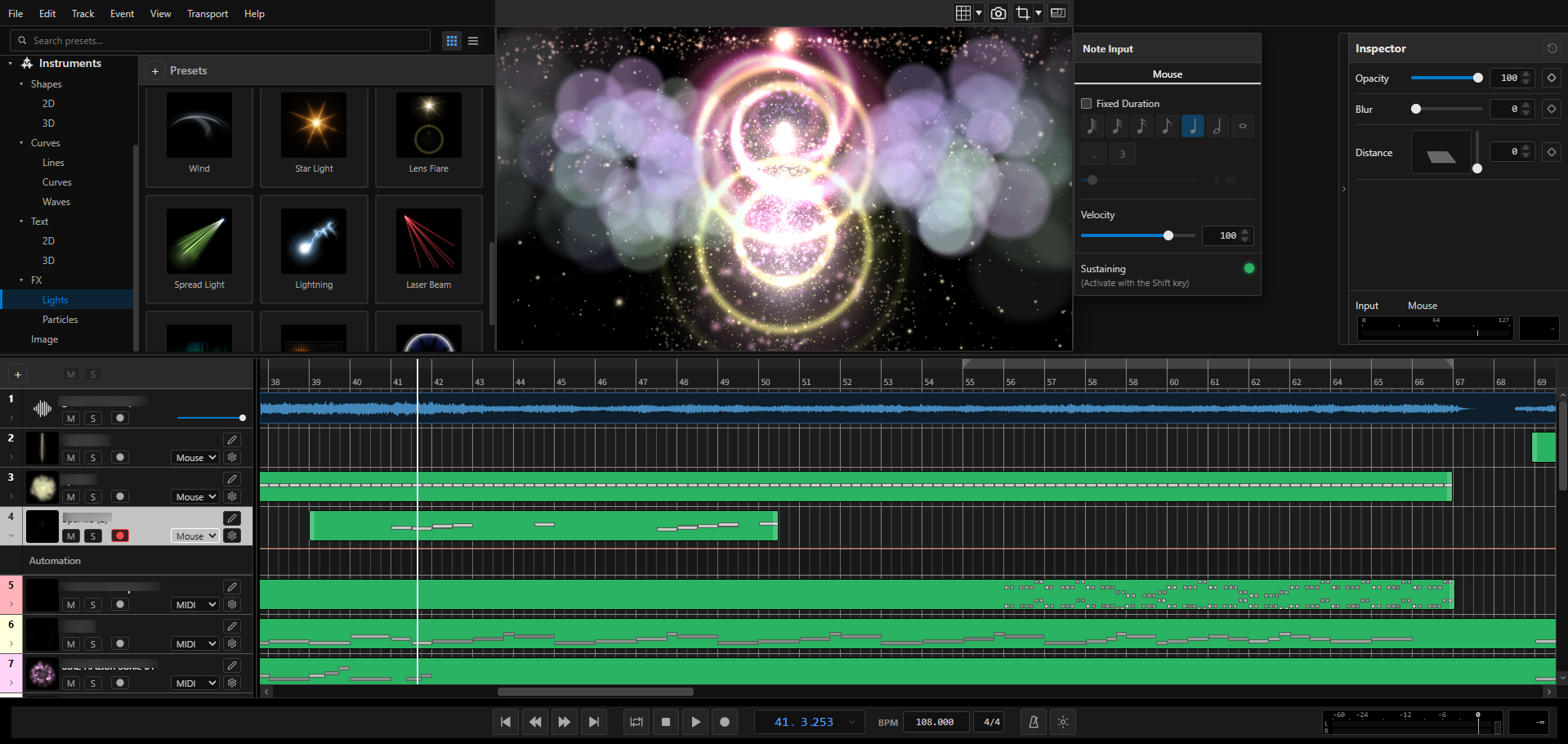
Tracks are laid out on a timeline in the style of a DAW or video editor. Audio and visual data are arranged directly on the timeline.
Includes over 100 built-in Visual Instruments. You can also import your own images and animate them.
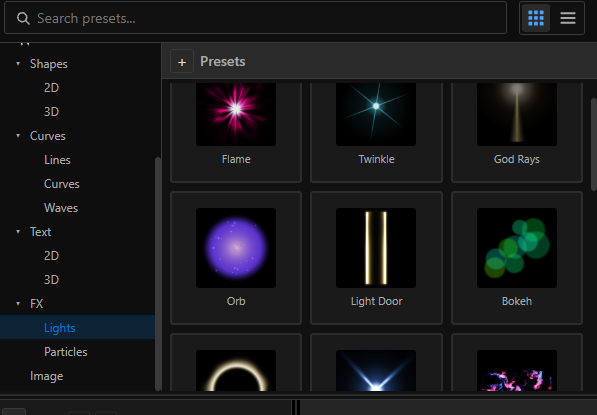
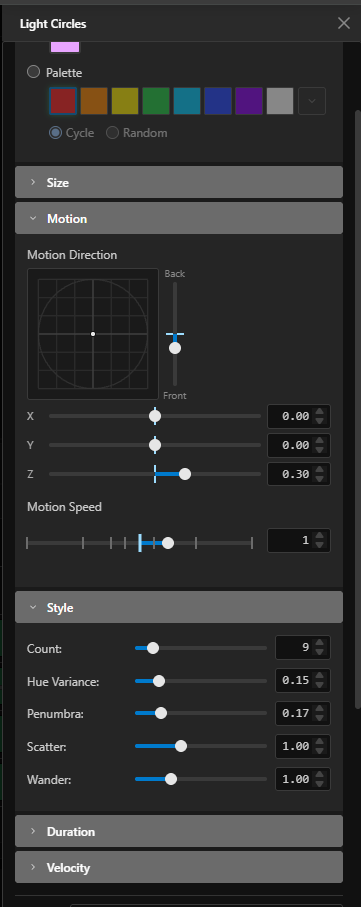
Adjust color, size, rotation, and motion. MIDI velocity, attack, and release can be linked to parameters such as opacity and scale.
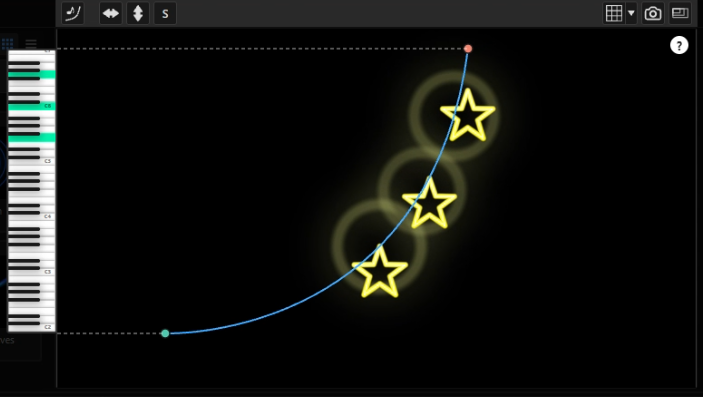
Click on the screen to trigger visual effects at that position. Hold Shift while clicking to extend the sustain. With MIDI input, note ranges can be mapped to vector paths placed on the viewer, so the position of the visuals follows the pitch you play.
While playing a MIDI keyboard, you can record the performance as audio and capture the real-time visuals at the same time. A take you are happy with can be exported directly as a video file.
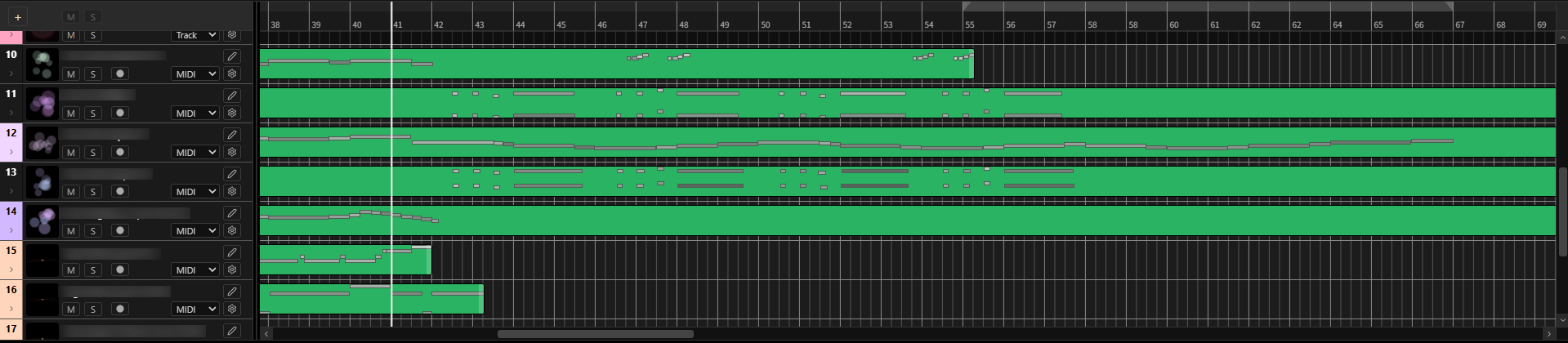
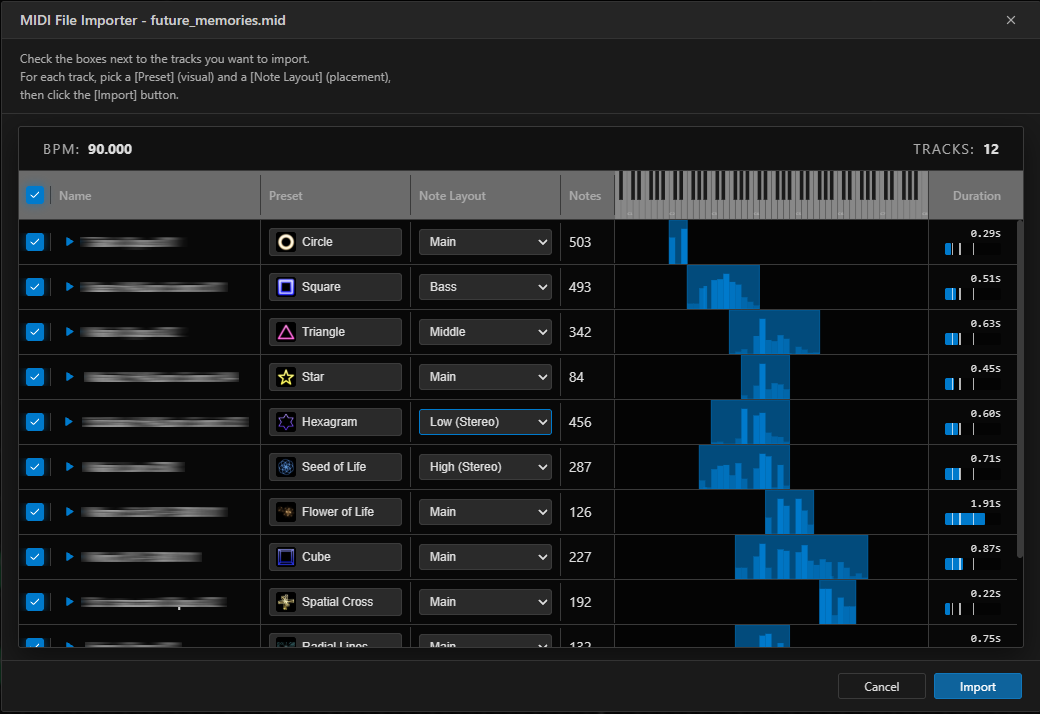
Standard MIDI files exported from your DAW can be imported directly onto the timeline. After assigning Visual Instruments and mapping paths to note pitches, the performance is animated automatically.
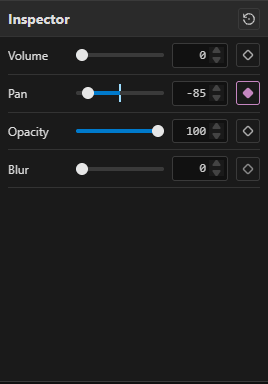
Opacity, blur, and other effects can be animated over time with keyframes, in the same way as in video editing software.
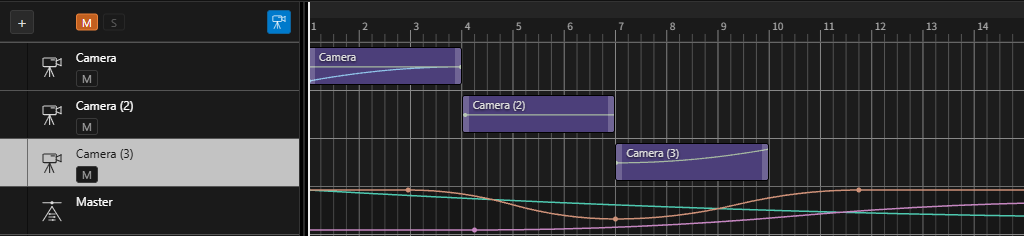
A dedicated camera track controls the view of the 3D space. Camera positions can be animated with keyframes, and you can switch between multiple camera angles.
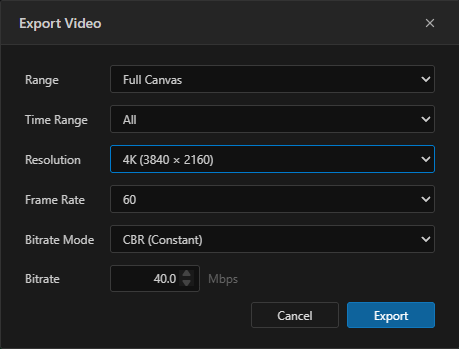
Export your work as MP4 video in SD, HD, Full HD, or 4K, at 24, 30, or 60 fps, with a choice of CBR or VBR encoding. You can also export a selected rectangular area only — for example, a 1080×1920 vertical frame for YouTube Shorts.